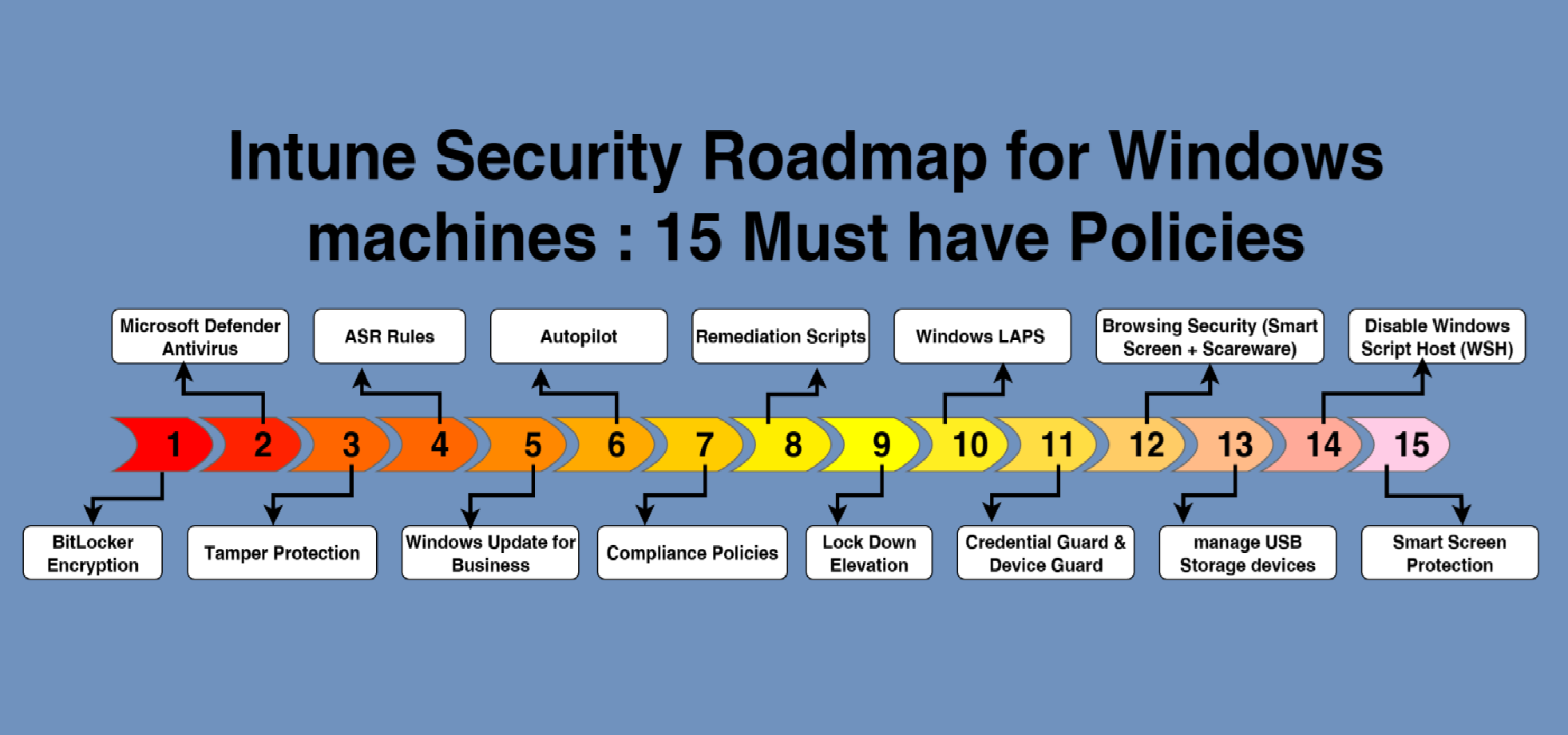
Intune Security Roadmap for Windows machines : 15 Must have Policies

1 – BitLocker Encryption

  • Protects data at rest. Essential for all corporate devices, especially laptops.
  • Step by step guide from Here

2 – Microsoft Defender Antivirus

  • Core antivirus and anti-malware protection. Must be managed to ensure consistency.
  • Step by step guide from Here

3 – Tamper Protection

  • Prevents Defender settings from being modified or disabled by malware.
  • Step by step guide from Here

4 – ASR Rules (Attack Surface Reduction)

  • Blocks common malware behaviors like Office launching PowerShell, credential stealing, etc.
  • Step by step guide from Here

5 – Windows Update for Business

  • Ensures critical and security patches are applied. Mitigates known vulnerabilities quickly.
  • Step by step guide from Here

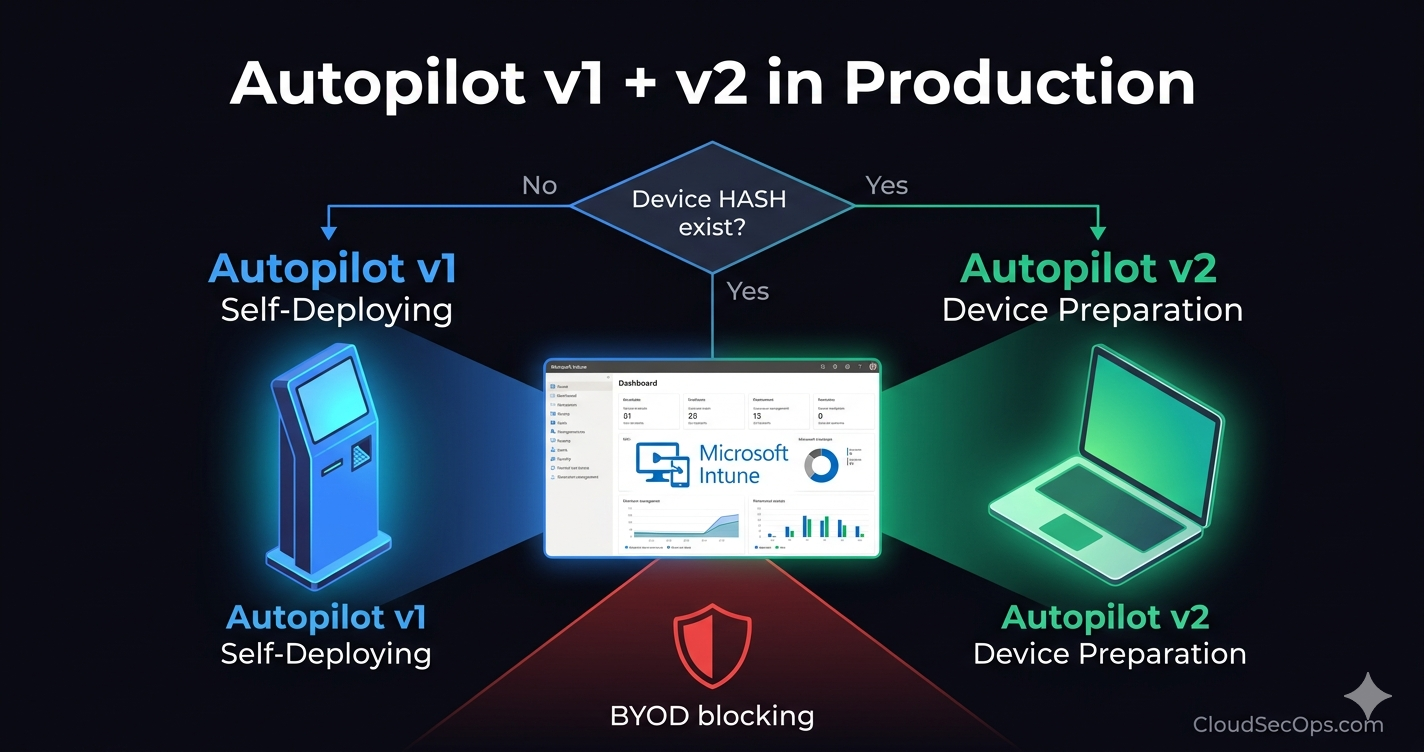
6 – Autopilot

  • Streamlines device provisioning and ensures devices start in a compliant, secured state.
  • Step by step guide from Here

7 – Create Compliance Policy

  • Defines security baselines (e.g., BitLocker enabled, Defender running) and follow every security changes.
  • Step by step guide from Here

8 – Create Remediation Scripts

  • Auto-corrects deviations (e.g., Defender disabled, BitLocker off) using PowerShell.
  • How to create Remediation Scripts : Step by step guide from Here
  • 15 must have Remediation Scripts : Step by step guide from Here

9 – Lock Down Elevation

Controls privilege escalation. Prevents users or malware from silently elevating rights.

You can apply one of these policies or even both.

  • UAC Settings : Step by step guide from Here

10 – Windows LAPS (Local Administrator Password Solution)

  • Ensures every device has a unique local admin password rotated securely.
  • Step by step guide from Here

11 – Credential Guard

  • Protects credentials in memory from tools like Mimikatz. Hardware support required.
  • Step by step guide from Here

12 – Optimize Security & Browsing Experience

Protects users from phishing, drive-by downloads, and fake alerts.

You can apply one of these policies or even both.

  • Edge Step by step guide from Here
  • Chrome Step by step guide from Here

13 – Manage USB Storage Devices

  • Prevents data exfiltration or malware introduction via USB. Set to block or read-only.
  • Step by step guide from Here

14 – Disable Windows Script Host (WSH)

  • Prevents execution of .vbs and .js files often used in phishing payloads.
  • Step by step guide from Here

15 – Smart Screen Protection

  • Enable Enhanced Phishing Protection with Smart Screen.
  • Step by step guide from here (written by Ricardo Barbosa )

Thanks

Aymen EL JAZIRI (Microsoft MVP)

Hi, I’m Aymen El Jaziri , a passionate System Administrator and Microsoft MVP, with years of hands-on experience in managing and securing modern IT infrastructures.
This blog is where I share technical guides, automation scripts, product reviews, and real-world solutions that help IT professionals simplify their day-to-day work and stay ahead in a fast-evolving cloud ecosystem.
Whether you’re here to troubleshoot an issue, improve your automation game, or learn new best practices , welcome in my blog !
Let’s build a stronger, smarter IT community together.
Feel free to connect with me on LinkedIn for more content, discussions, or collaboration opportunities.

Thanks

Aymen

Articles: 154