Physical Address
304 North Cardinal St.
Dorchester Center, MA 02124
Physical Address
304 North Cardinal St.
Dorchester Center, MA 02124

Explore practical guides and tools for Microsoft 365, Azure, and PowerShell. Enhance your cloud security and admin skills with expert insights and automation tips.
Explore practical guides and tools for Microsoft 365, Azure, and PowerShell. Enhance your cloud security and admin skills with expert insights and automation tips.
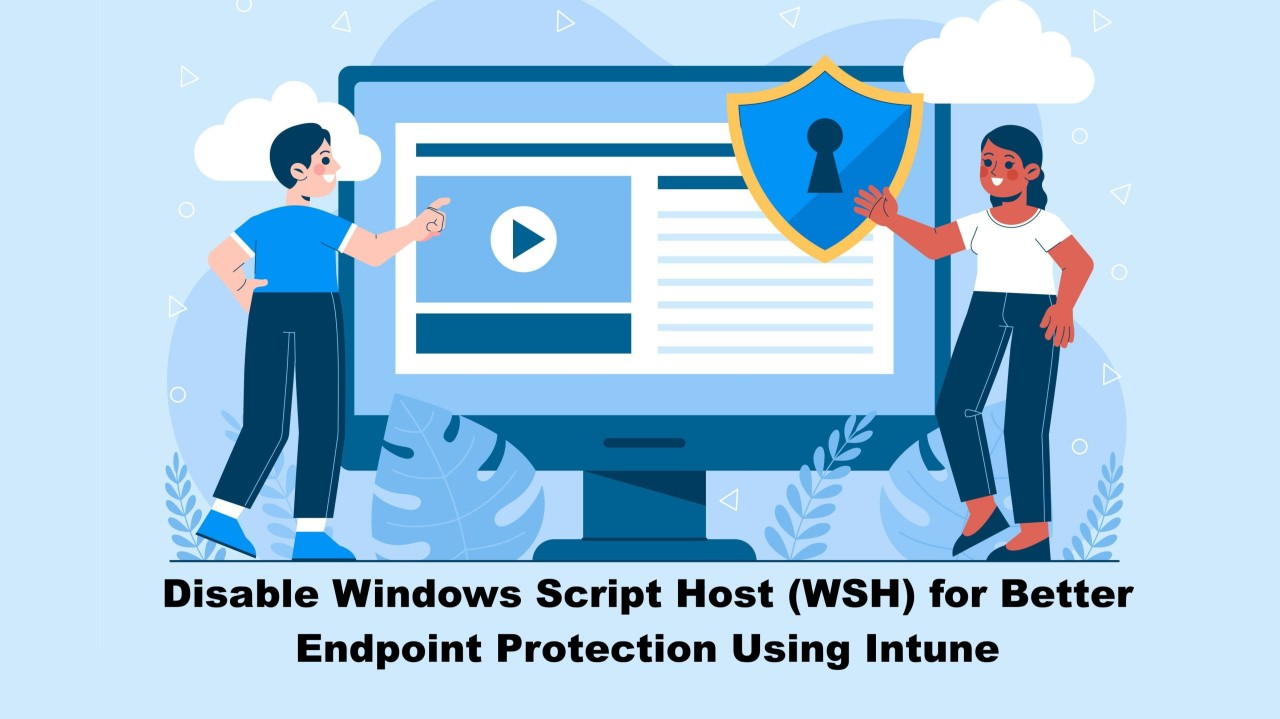

Windows Script Host (WSH) has been a part of the Windows operating system since the late 1990s, providing the ability to run VBScript and JScript files. While it serves some legacy administrative and scripting purposes, WSH is rarely used in modern enterprise environments and is frequently exploited in cyberattacks.
In this post, I’ll walk you through:
WSH enables execution of .vbs and .js scripts, which are often leveraged by attackers to :
📌 Most modern organizations no longer use WSH for legitimate purposes. Leaving it enabled unnecessarily increases your attack surface.
Disabling WSH helps block many common phishing and malware-based attacks, especially those embedded in malicious email attachments or delivered via compromised websites.
To deploy this security setting across your Windows 10 and 11 devices, we will use Intune PowerShell scripts.
The following registry modification disables WSH system-wide, so save it in ps1 file, we’ll use it in the following configuration section with Intune :
$path = "HKLM:\Software\Microsoft\Windows Script Host\Settings"
if (-not (Test-Path $path)) {
    New-Item -Path $path -Force | Out-Null
}
Set-ItemProperty -Path $path -Name "Enabled" -Value 0 -Type DWordGo to Microsoft Intune Admin Center

Configure Script Basics

Upload the PowerShell Script
Click Next

Assign to Device Groups

Review + Create

Once deployed, this script ensures that WSH is disabled via the registry on all targeted Windows devices. Users (or malware) attempting to run .vbs or .js files will receive an error such as :
“Windows Script Host access is disabled on this machine. Contact your administrator for details.”

If we check Registry path in our previous PowerShell script, we’ll see a new registry key “Enabled” with value = 0.

Disabling WSH is a simple yet powerful way to reduce attack vectors across your Windows fleet. Combined with other hardening measures (ASR rules, Smart App Control, etc.), this policy adds a layer of protection against script-based threats.
🔁 Roll it out with confidence using Intune and stay one step ahead of attackers.
Thanks