Physical Address
304 North Cardinal St.
Dorchester Center, MA 02124
Physical Address
304 North Cardinal St.
Dorchester Center, MA 02124

Explore practical guides and tools for Microsoft 365, Azure, and PowerShell. Enhance your cloud security and admin skills with expert insights and automation tips.
Explore practical guides and tools for Microsoft 365, Azure, and PowerShell. Enhance your cloud security and admin skills with expert insights and automation tips.
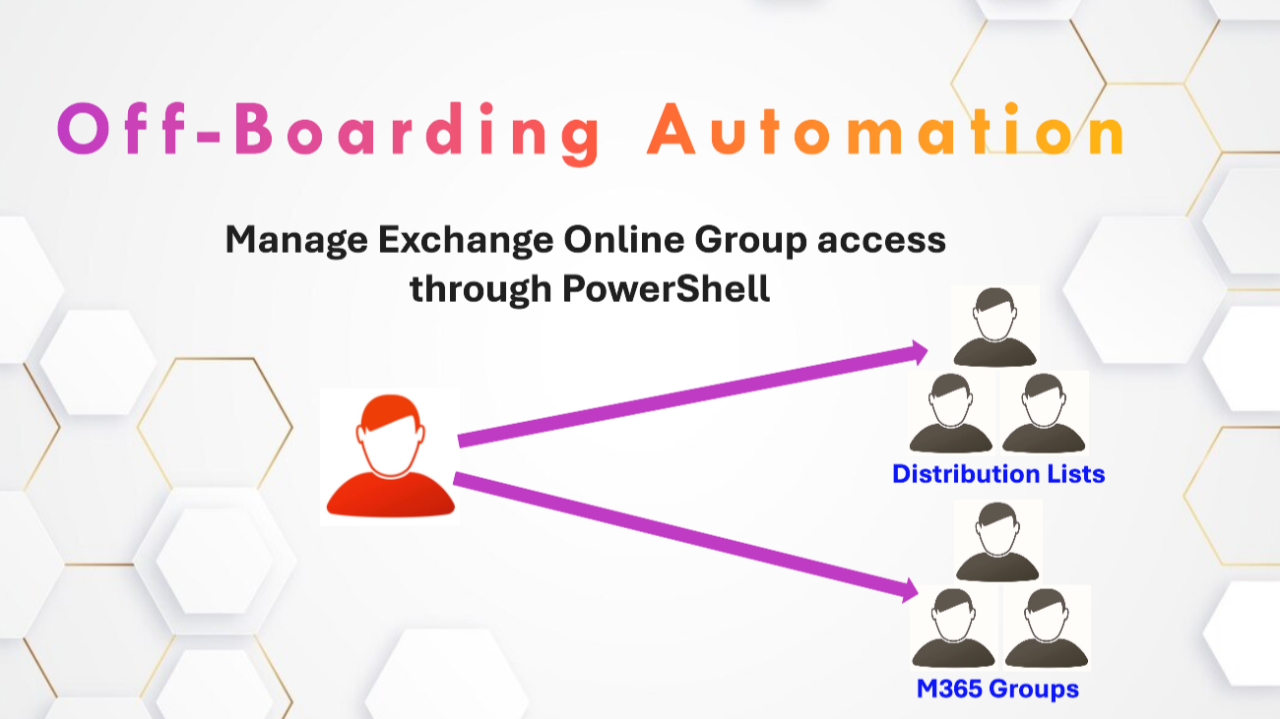

Today, I’d like to share with you a PowerShell script that solves a recurring challenge in business : managing Exchange Online group memberships when an employee leaves.
In organizations using Microsoft 365, employees often accumulate dozens or even hundreds of memberships in different distribution groups and Microsoft 365 groups over time. When they leave, manually deleting these accesses is:
Let’s take a user as example :
To be able to see all groups membership for one user, you need to go to Exchange Admin Center then :

As you can see here, this user have about 30 group membership (Sorry, I cant show you Group names), so when Off-Boarding this user we need to go and delete user membership one by one, this can take to much time, and can cause errors also.

The script I’ve developed enables :
Identity and access management is a fundamental element of modern cybersecurity. Tools like this help us maintain a secure environment, while freeing up time for our IT teams.
Here is the script :
You need to specify $UserEmailAddress parameters in the bottom of the script.

# Script to remove a user from all Exchange Online groups
# Make sure you have installed the ExchangeOnlineManagement module and are connected to Exchange Online

function Connect-ToExchangeOnline
{
    # Check if the module is installed
    if (!(Get-Module -ListAvailable -Name ExchangeOnlineManagement))
    {
        Write-Host "The ExchangeOnlineManagement module is not installed. Installation in progress..." -ForegroundColor Yellow
        Install-Module -Name ExchangeOnlineManagement -Force -AllowClobber
    }
    # Import ExchangeOnlineManagement module
    Import-Module ExchangeOnlineManagement

    # Connect to Exchange online
    Connect-ExchangeOnline
}

function Remove-UserFromAllGroups
{
    param(
        [Parameter(Mandatory=$true)]
        [string]$UserEmail
    )

    # Check if the user exists
    try
    {
        $user = Get-EXOMailbox -Identity $UserEmail -ErrorAction Stop
        Write-Host "User found : $($user.DisplayName)" -ForegroundColor Green
    }
    catch
    {
        Write-Host "The user with the email address $UserEmail was not found." -ForegroundColor Red
        return
    }

    # Retrieve all distribution groups
    Write-Host "Search for distribution groups..." -ForegroundColor Yellow
    $distributionGroups = Get-DistributionGroup -ResultSize Unlimited

    # Recover all Microsoft 365 groups
    Write-Host "Search for Microsoft 365 groups..." -ForegroundColor Yellow
    $m365Groups = Get-UnifiedGroup -ResultSize Unlimited

    $removedFromCount = 0
    $errorCount = 0
    $groupsList = @()

    # Check and remove user from distribution groups
    foreach ($group in $distributionGroups)
    {
        try
        {
            $groupMembers = Get-DistributionGroupMember -Identity $group.Identity -ResultSize Unlimited
            if ($groupMembers.PrimarySmtpAddress -contains $UserEmail)
            {
                Write-Host "Remove user from distribution group : $($group.DisplayName)" -ForegroundColor Yellow
                Remove-DistributionGroupMember -Identity $group.Identity -Member $UserEmail -Confirm:$false
                $removedFromCount++
                $groupsList += "Distribution: $($group.DisplayName)"
            }
        }
        catch
        {
            Write-Host "Error verifying/deleting user from group $($group.DisplayName): $_" -ForegroundColor Red
            $errorCount++
        }
    }

    # Check and remove user from Microsoft 365 groups
    foreach ($group in $m365Groups)
    {
        try
        {
            $groupMembers = Get-UnifiedGroupLinks -Identity $group.Identity -LinkType Members -ResultSize Unlimited
            if ($groupMembers.PrimarySmtpAddress -contains $UserEmail)
            {
                Write-Host "Remove user from Microsoft 365 group : $($group.DisplayName)" -ForegroundColor Yellow
                Remove-UnifiedGroupLinks -Identity $group.Identity -LinkType Members -Links $UserEmail -Confirm:$false
                $removedFromCount++
                $groupsList += "Microsoft 365 : $($group.DisplayName)"
            }
        }
        catch
        {
            Write-Host "Error verifying/deleting user from group $($group.DisplayName): $_" -ForegroundColor Red
            $errorCount++
        }
    }

    # Summary of operations
    Write-Host "`n--- Summary ---" -ForegroundColor Cyan
    Write-Host "User : $($user.DisplayName) ($UserEmail)" -ForegroundColor Cyan
    Write-Host "Deleted from $removedFromCount groups" -ForegroundColor Green
    Write-Host "Errors encountered : $errorCount" -ForegroundColor Cyan

    if ($groupsList.Count -gt 0)
    {
        Write-Host "`nRemoved user groups :" -ForegroundColor Green
        $groupsList | ForEach-Object { Write-Host "- $_" -ForegroundColor Yellow }
    }
}

# Main

Connect-ToExchangeOnline
# You need to specify User Email Address parameter here
$UserEmailAddress = "user@domain.com"
Remove-UserFromAllGroups -UserEmail $UserEmailAddress
Thanks