Physical Address
304 North Cardinal St.
Dorchester Center, MA 02124
Physical Address
304 North Cardinal St.
Dorchester Center, MA 02124

Explore practical guides and tools for Microsoft 365, Azure, and PowerShell. Enhance your cloud security and admin skills with expert insights and automation tips.
Explore practical guides and tools for Microsoft 365, Azure, and PowerShell. Enhance your cloud security and admin skills with expert insights and automation tips.

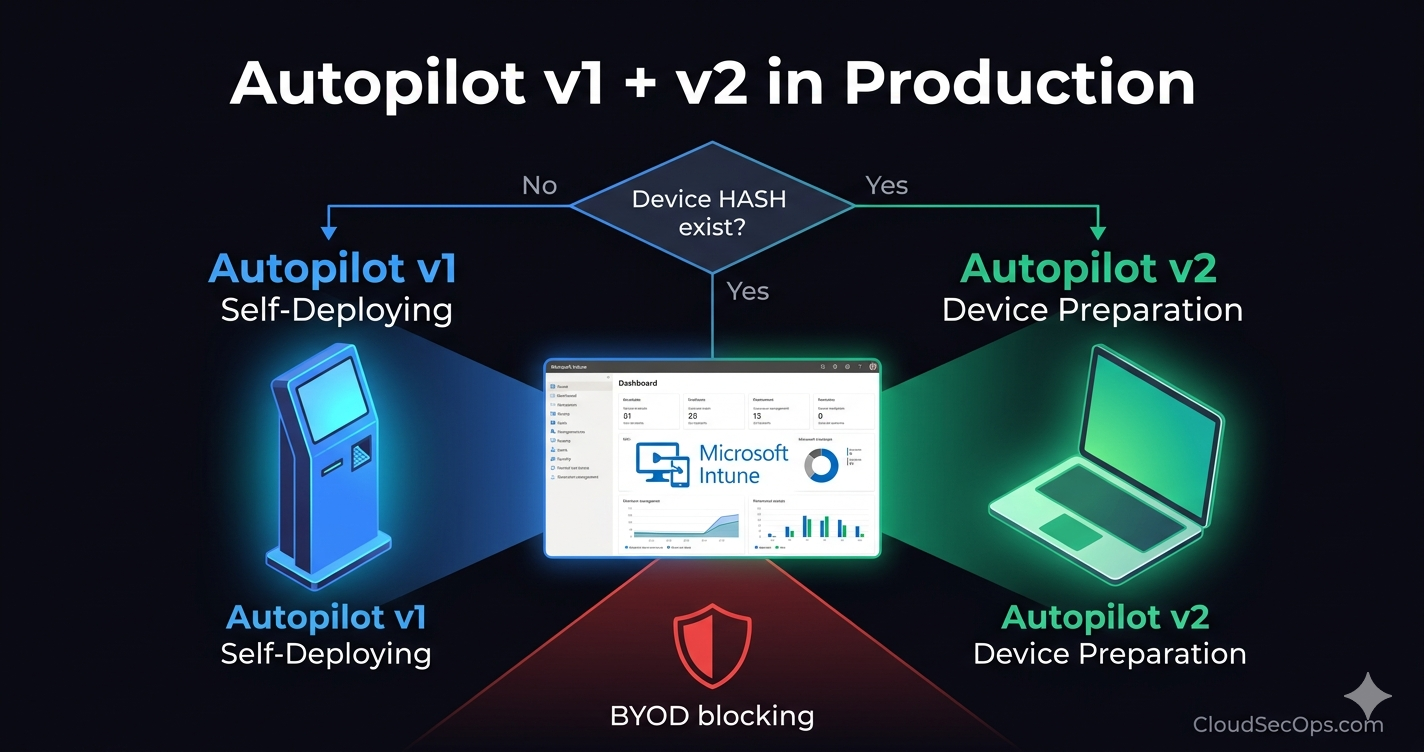
When deploying Windows devices using Windows Autopilot, understanding the difference between Self-Deploying and User-Driven profiles is essential. Both deployment modes simplify provisioning and ensure consistent configuration , but they serve different use cases and behave very differently during setup.
Let’s break it down :
| Criteria | User-Driven Mode | Self-Deploying Mode |
|---|---|---|
| Primary purpose | Deploy devices for end users (personal assigned devices) | Deploy devices without user interaction (shared or kiosk devices) |
| User interaction | Required : user signs in during OOBE | None : fully automatic deployment |
| Target device type | User-assigned laptops & desktops | Kiosks, shared PCs, POS, Teams Rooms, digital signage, IoT-like devices |
| Authentication | User authentication (Azure AD or Hybrid) | Device-based authentication |
| Azure AD Join support | Yes | Yes |
| Hybrid Azure AD Join support | Yes | No |
| Intune enrollment | Based on the user who signs in | Device enrolls as a device object (not linked to a user) |
| TPM requirement | Recommended but not mandatory | TPM 2.0 required for hardware attestation |
| Minimum OS version | Windows 10 version 1809+ | Windows 10 version 1903+ |
| OOBE experience | User sees login screen, region selection, privacy settings, etc. | OOBE screens are skipped automatically |
| Wi-Fi configuration | Supported : user can enter Wi-Fi during setup | Not supported : requires wired Ethernet |
| App & Policy assignment | User-targeted policies and apps | Device-targeted policies and apps |
| BitLocker support | Yes | Yes |
| Device naming | Can use username-based variables (e.g., PC-%USERNAME%) | Must use static or pattern-based naming (no user variable) |
| Assigned Access / Kiosk Mode | Not designed for this | Primary use case |
| Pre-Provisioning (White Glove) | Supported | Not supported |
| Autopilot Reset | Yes | Yes |
| Network prerequisites | Any Internet connection | Must have Ethernet for deployment |
| Typical Use Cases | – Employee onboarding – Personal assigned devices – Remote workers | – Kiosks- Lobby check-in PCs – Conference room devices – Shared terminals |
| Key Aspect | User-Driven | Self-Deploying |
|---|---|---|
| Deployment Type | User onboarding | Zero-touch automated setup |
| Identity | User-based | Device-based |
| Join Type | Azure AD / Hybrid | Azure AD only |
| Best For | Employees with assigned devices | Shared devices / kiosks |
| Setup Requirements | User sign-in | TPM 2.0 + wired network |
Thanks