Physical Address
304 North Cardinal St.
Dorchester Center, MA 02124
Physical Address
304 North Cardinal St.
Dorchester Center, MA 02124

Explore practical guides and tools for Microsoft 365, Azure, and PowerShell. Enhance your cloud security and admin skills with expert insights and automation tips.
Explore practical guides and tools for Microsoft 365, Azure, and PowerShell. Enhance your cloud security and admin skills with expert insights and automation tips.

💡 This scripts is highly recommended with RMM Solutions (NinjaOne, Datto, N-able, ManageEngine…etc) to be executed remotely.
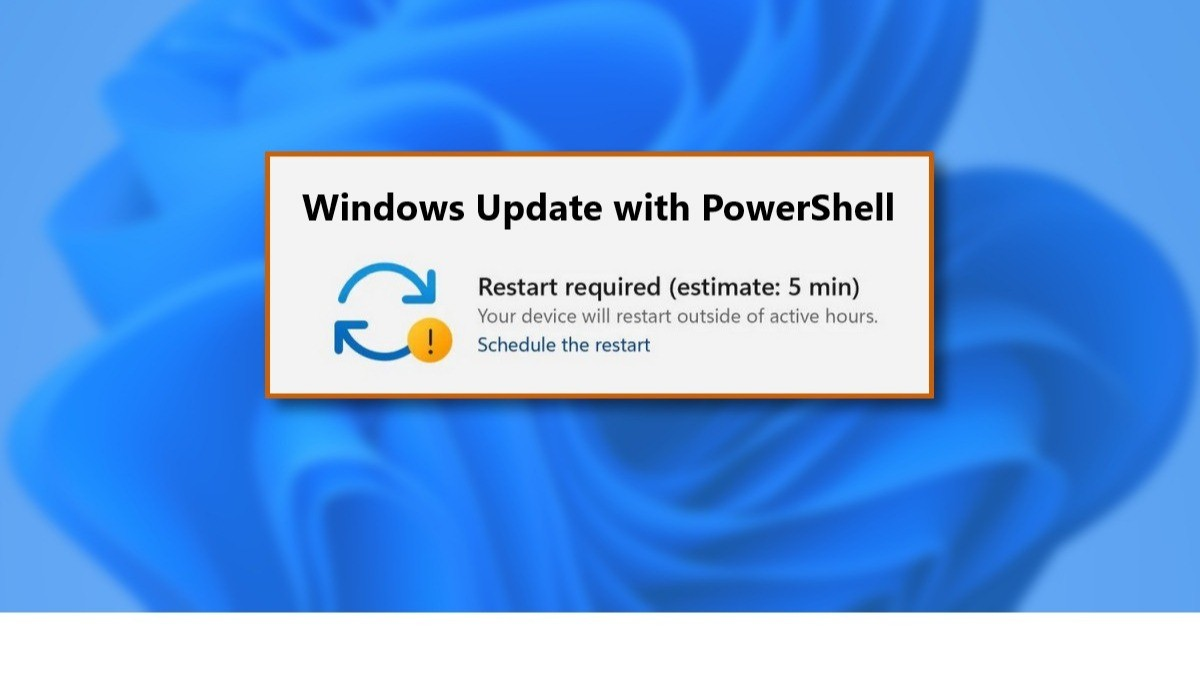
This script can be used directly on users production machines. it allows updates to run in the background without interrupting the user. Once updates have been downloaded and installed, they are automatically applied the next time the system is rebooted. This approach ensures that Windows machines remain up-to-date while minimizing the impact on user productivity, avoiding unnecessary interruptions to their work.
# Set Execution Policy
Set-ExecutionPolicy -ExecutionPolicy RemoteSigned -Force

# Test if module PSWindowsUpdate is installed, if not install it
if (-not (Get-Module -ListAvailable -Name PSWindowsUpdate))
{
  Install-PackageProvider -Name NuGet -Force
  Install-Module -Name PSWindowsUpdate -Confirm:$false -Force
}

# Import PSWindowsUpdate module
Import-Module PSWindowsUpdate

# Start updating windows without reboot
Get-WindowsUpdate -AcceptAll -Install -IgnoreRebootThis script can be run on spare machines, so you only need one click to install updates and restart the machine.
# Set Execution Policy
Set-ExecutionPolicy -ExecutionPolicy RemoteSigned -Force -Scope Process

# Test if module PSWindowsUpdate is installed, if not install it
if (-not (Get-Module -ListAvailable -Name PSWindowsUpdate -ErrorAction SilentlyContinue))
{
    Install-PackageProvider -Name NuGet -Force
    Install-Module -Name PSWindowsUpdate -Force -Confirm:$false
}

# Import PSWindowsUpdate module
Import-Module PSWindowsUpdate

# Start updating windows with reboot
Get-WindowsUpdate -AcceptAll -Install -AutoReboot
Thanks