Physical Address
304 North Cardinal St.
Dorchester Center, MA 02124
Physical Address
304 North Cardinal St.
Dorchester Center, MA 02124

Explore practical guides and tools for Microsoft 365, Azure, and PowerShell. Enhance your cloud security and admin skills with expert insights and automation tips.
Explore practical guides and tools for Microsoft 365, Azure, and PowerShell. Enhance your cloud security and admin skills with expert insights and automation tips.
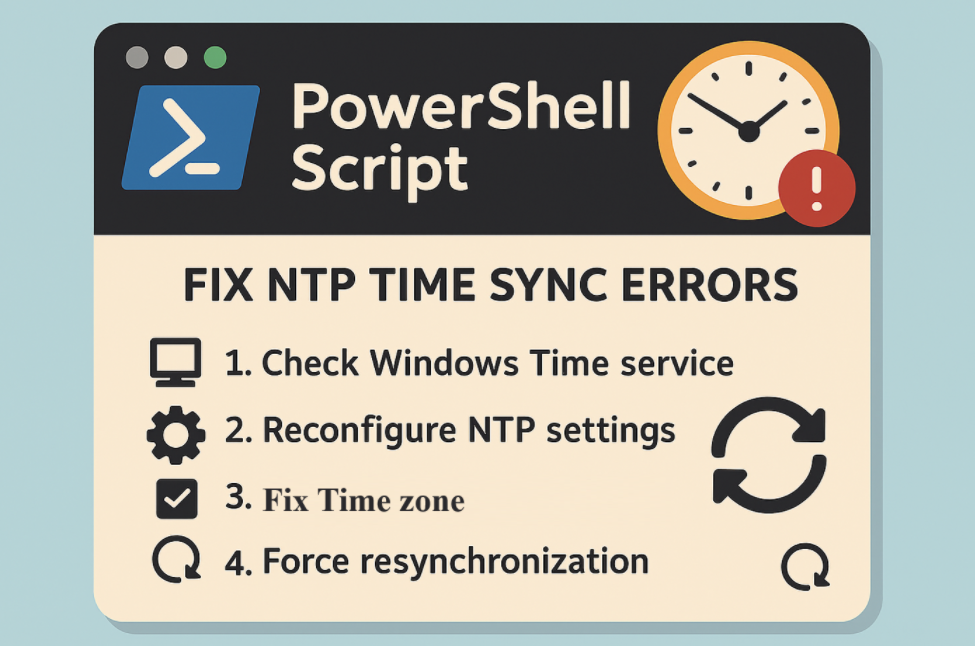

One of the most underestimated causes of issues on Windows machines especially in corporate environments is time desynchronization.
It may seem minor, but a wrong system clock can lead to :
✅ Authentication failures (Kerberos tickets out of sync)
✅ Problems with domain-joined machines
✅ Errors in scheduled tasks and logs
✅ Troubles with certificates and secure connections
To quickly solve this, I created a PowerShell script that :
pool.ntp.org)This little automation can save hours of troubleshooting when dealing with stubborn time-related problems.
Find out the PowerShell Script from my Github Repository :
Thanks