Physical Address
304 North Cardinal St.
Dorchester Center, MA 02124
Physical Address
304 North Cardinal St.
Dorchester Center, MA 02124

Explore practical guides and tools for Microsoft 365, Azure, and PowerShell. Enhance your cloud security and admin skills with expert insights and automation tips.
Explore practical guides and tools for Microsoft 365, Azure, and PowerShell. Enhance your cloud security and admin skills with expert insights and automation tips.
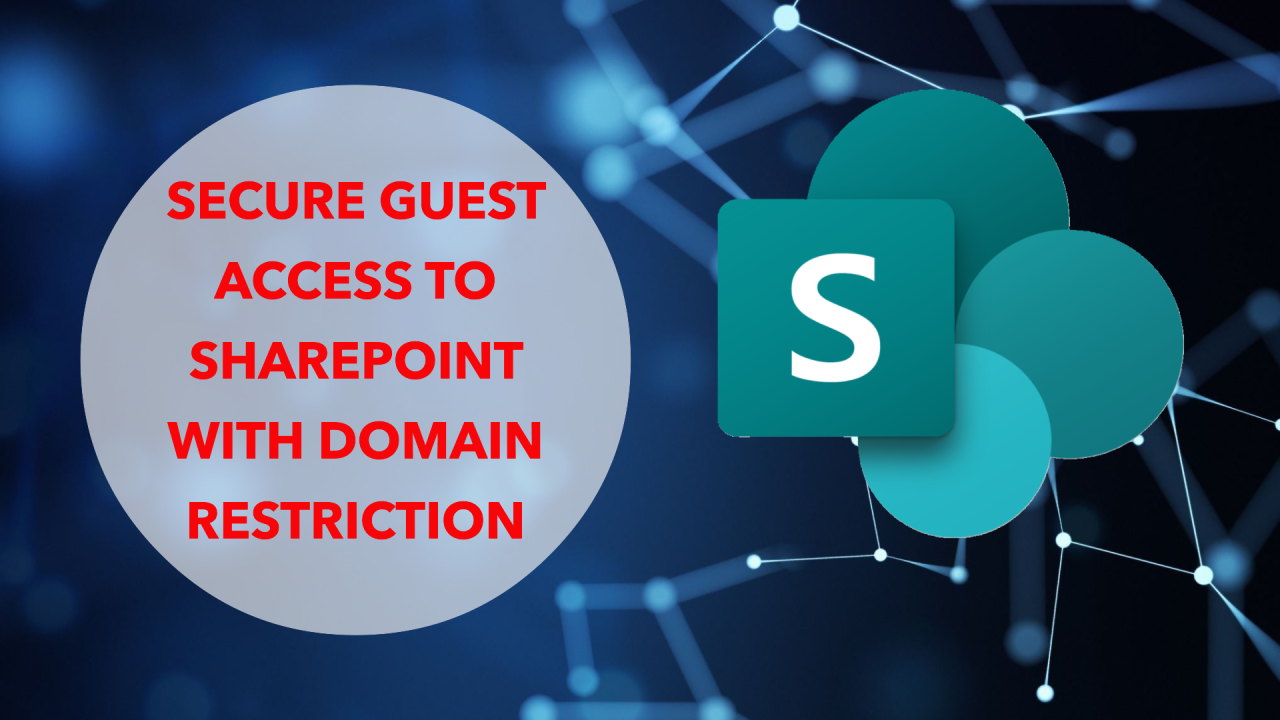

In a world where external collaboration is becoming unavoidable, data security remains an absolute priority. Microsoft SharePoint offers a powerful but often overlooked feature: restricting external sharing by domain.
This option lets you control precisely which external domains your users can share content with.
For example, you can :
– Authorize only the domains of your trusted partners
– Block public domains such as gmail.com
– Limit sharing to specific domains at organization or site level.
This feature offers several major benefits:
– Enhanced protection against data leakage
– Granular control of external access
– Simplified compliance with security policies
Unlike a total restriction on external sharing, this approach enables you to maintain effective collaboration with your trusted partners, while significantly reducing security risks.
If you want to share SharePoint Site with external guest, then you should follow this steps :


For security-conscious organizations, enabling this feature should be a priority. It offers a perfect balance between collaboration and data protection.
Thanks