Physical Address
304 North Cardinal St.
Dorchester Center, MA 02124
Physical Address
304 North Cardinal St.
Dorchester Center, MA 02124

Explore practical guides and tools for Microsoft 365, Azure, and PowerShell. Enhance your cloud security and admin skills with expert insights and automation tips.
Explore practical guides and tools for Microsoft 365, Azure, and PowerShell. Enhance your cloud security and admin skills with expert insights and automation tips.
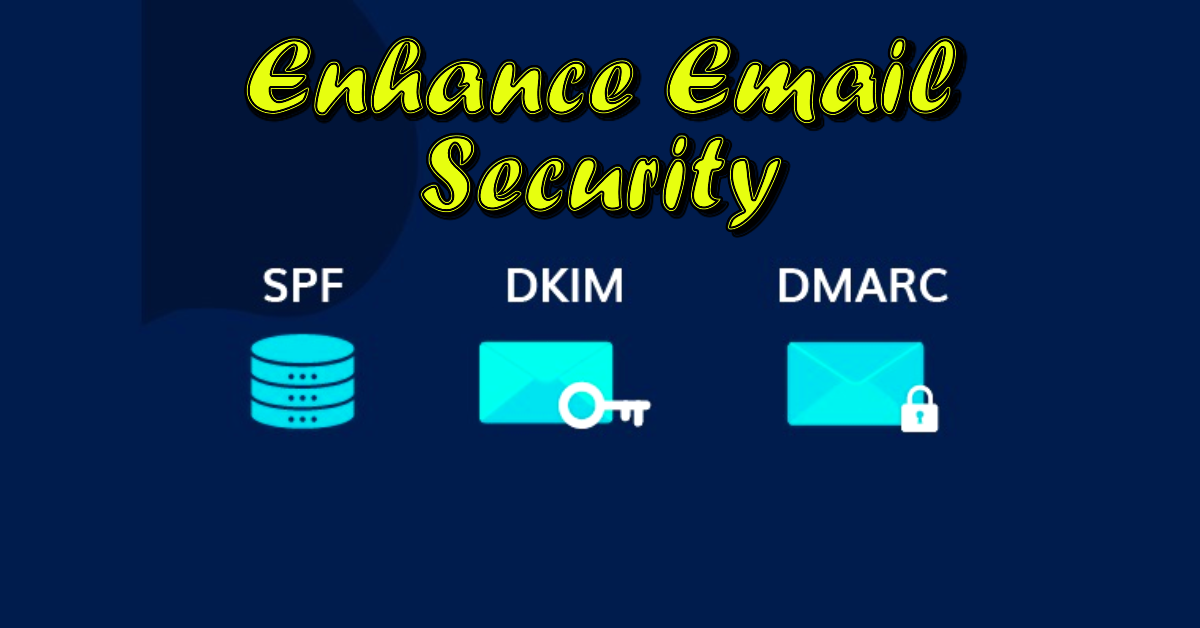

In today’s digital world, the security of email communications has become a top priority for businesses. The SPF (Sender Policy Framework), DMARC (Domain-based Message Authentication, Reporting & Conformance) and DKIM (DomainKeys Identified Mail) protocols play a crucial role in protecting against phishing attacks and spam. This technical guide aims to provide an in-depth understanding of these protocols, as well as detailed instructions for configuring them in an Office 365 environment. By mastering these tools, companies can not only improve the security of their communications, but also strengthen the trust of their customers and partners
Configuring SPF, DMARC and DKIM is crucial for companies using Office 365 for several reasons:
A SPF (Sender Policy Framework) record is a type of DNS (Domain Name System) record used for e-mail authentication. It allows you to specify which mail servers are authorized to send e-mail on behalf of your domain.
Here’s how it works:
In short, an SPF record is an essential security measure to protect your domain from abuse and improve the deliverability of your emails.
The SPF Record is structured in such a way that you can easily add or remove mail systems to or from the record.

You can add as many include: or ip4: elements to your SPF record as you need. The enforcement rule indicates what the receiving mail system should do with mail sent from a server that isn’t listed in the SPF record.
Depending on the actual outbound email scenario you are in, create your SPF record accordingly.
v=spf1 include:spf.protection.outlook.com –allv=spf1 ip4:20.22.23.24 include:spf.protection.outlook.com –allA better way to create your SPF record is to use DMARCLY’s online SPF record generator. This will eliminate many common errors caused by manually creating it.
We are going to start with looking up the DNS records that Microsoft 365 is expecting and then add the correct SPF record to our DNS hosting provider.
v=spf1 include:spf.protection.outlook.com -all


if you want to check you SPF Record go to this free SPF Checker : Free SPF Record Checker – Check SPF Record – SPF Record Lookup – DMARCLY
You can see that my SPF Record appears fine here.

DKIM (DomainKeys Identified Mail) is an e-mail authentication method used in Office 365 to ensure that messages sent from your domain have not been tampered with in transit.
Here’s how it works:
To configure DKIM in Office 365, you need to access the Exchange administration center and activate DKIM signing for your custom domains, but before this you need to add 2 CNAME records in your DNS Provider.
All the DKIM Keys have the same format. In the example below you can replace globalitnow-com with your domain name and globalitnow.onmicrosoft.com with your onmicrosoft.com domain.
Type : CNAME
Name : selector1._domainkey
Value : selector1-globalitnow-com._domainkey.globalitnow.onmicrosoft.com
Type : CNAME
Name : selector2._domainkey
Value : selector2-globalitnow-com._domainkey.globalitnow.onmicrosoft.com
To do this : Directly Access to DKIMv2 window from here : https://security.microsoft.com/dkimv2 or just follow this steps :
Note that if the 2 DKIM records you published in the DNS haven’t taken effect yet, this operation will fail. When this happens, wait some time and try again. If you keep getting this error, check if your DKIM records are published correctly.

If you have domains that don’t send mail (globalitnow.net for example), then it’s a good idea to protect does as well. This may sound strange, but these domains can still be used for spoofing and phishing attacks. You can also do this for subdomains that don’t send emails.
By creating a simple DNS TXT record we can tell the receiving mail systems that mail from this domain is invalid and should be rejected.
We can use a TXT record for this with the following format:
Type : TXT
Name : *._domainkey
Value : v=DKIM1; p=

You can check your DKIM from here : Free DKIM Record Checker – Check DKIM Record – DKIM Lookup – DMARCLY

DMARC (Domain-based Message Authentication, Reporting, and Conformance) is an e-mail authentication protocol designed to protect against fraudulent e-mails such as phishing and spam. Here’s how it works and what it’s used for:
In short, DMARC is essential for enhancing the security of e-mail communications and protecting users against phishing attacks and other fraud.
Besides the policies and reporting mail address, you have also a couple of other options that you can use in your DMARC record. we will see in the next section how to use them.

To set up DMARC we need to create a DNS record, just like with SPF. So make sure you have access to the DNS records.
The first step is to log in to your DNS provider. I am using Godaddy, if you don’t know how to create DNS records then contact your hosting provider.
We are going to create a new TXT DNS record:
v=DMARC1; p=none; rua=mailto:dmarc@globalitnow.com; ruf=mailto:dmarc@globalitnow.com; sp=none; fo=1;What this record does is monitor p=none all DMARC events, and send a report when SPF or DKIM fails fo=1. It also monitors all subdomains sp=none. The reports are sent to the mail address dmarc@globalitnow.com
When you are ready to move the unauthorized mail to the spam folders, you can change the record as following :
v=DMARC1; p=quarantine; rua=mailto:dmarc@globalitnow.com; ruf=mailto:dmarc@globalitnow.com; sp=quarantine; fo=1;
To test your DMARC setup, go to this link and just enter your domain name :
Free DMARC Checker – Check DMARC Record – DMARC Lookup – DMARCLY
As you can see here, everything is good.

Implementing the SPF, DMARC and DKIM protocols is an essential step for any company wishing to secure its email communications. By following the recommendations in this technical guide, you’ll be able to protect your domain from phishing and spam attempts, improve the deliverability of your emails and enhance your company’s reputation. Email security is not just a question of technology, but also of trust and credibility in the digital world. By investing in these security measures, you are taking an important step towards protecting your digital assets and ensuring the long-term future of your business.
Thanks