Physical Address
304 North Cardinal St.
Dorchester Center, MA 02124
Physical Address
304 North Cardinal St.
Dorchester Center, MA 02124

Explore practical guides and tools for Microsoft 365, Azure, and PowerShell. Enhance your cloud security and admin skills with expert insights and automation tips.
Explore practical guides and tools for Microsoft 365, Azure, and PowerShell. Enhance your cloud security and admin skills with expert insights and automation tips.
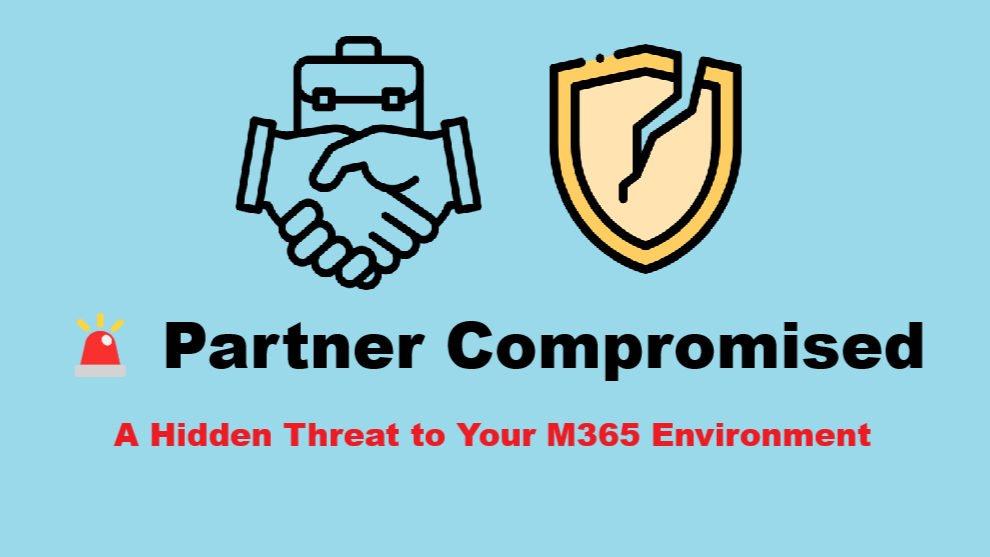

“Trust is a luxury that cybersecurity can no longer afford.”
In a well-secured Microsoft 365 environment, we often focus on external threats. But some of the most dangerous attacks come from within… or from trusted business partners.
What happens when a vendor, client, or third party you communicate with frequently gets compromised ? An attacker can exploit this trust to bypass your email defenses and deliver malicious content disguised as a legitimate message.
When a partner’s domain is added to your allow list or marked as trusted, some or all of your security controls might be relaxed:
This makes them a prime target for attackers.
To deal with this threat, we’ve implemented a two-step strategy:
We created an Exchange Online mail flow rule that automatically redirects emails coming from specific partner domains (that we suspect may be compromised) to our helpdesk system for review.
Temporarily stop delivery to end users and forward the message to a secure mailbox (e.g., helpdesk@globalitnow.com) for manual inspection.
You can add Tag to redirected emails like “Partner Compromised — ” for more visibility in you system ticket or shared mailbox.

Simultaneously, we contact the partner organization directly to:
Only after this confirmation do we remove the domain from redirection rule and resume normal email flow.
In today’s interconnected digital world, security doesn’t stop at your perimeter. It must extend to your trusted relationships. Having a solid response plan for when a partner gets compromised is essential to maintaining your M365 tenant’s integrity.
🔐 Vigilance is your best defense.
Thanks