Physical Address
304 North Cardinal St.
Dorchester Center, MA 02124
Physical Address
304 North Cardinal St.
Dorchester Center, MA 02124

Explore practical guides and tools for Microsoft 365, Azure, and PowerShell. Enhance your cloud security and admin skills with expert insights and automation tips.
Explore practical guides and tools for Microsoft 365, Azure, and PowerShell. Enhance your cloud security and admin skills with expert insights and automation tips.
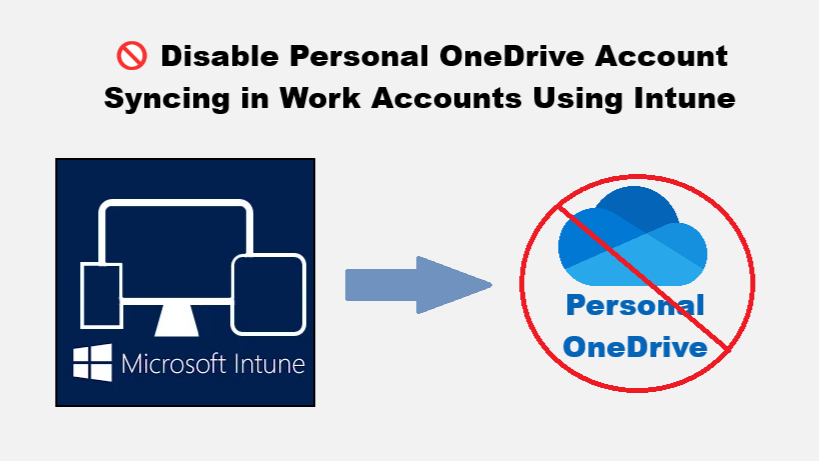

Microsoft has recently introduced a new OneDrive prompt encouraging users to sync personal Microsoft accounts on corporate devices. While this may improve convenience, it poses a significant data leakage risk and violates many organizations’ compliance policies.
As IT administrators, we must stay ahead by preventing personal OneDrive account syncing on corporate endpoints. Fortunately, Microsoft Intune offers a straightforward way to enforce this using the Settings Catalog.
Here’s how to do it in just a few clicks 👇


By enforcing this policy, you :
This small change ensures corporate data stays within managed environments. If your organization hasn’t implemented this yet, now’s the time to tighten the bolts.
Thanks