Explore practical guides and tools for Microsoft 365, Azure, and PowerShell. Enhance your cloud security and admin skills with expert insights and automation tips.
Explore practical guides and tools for Microsoft 365, Azure, and PowerShell. Enhance your cloud security and admin skills with expert insights and automation tips.
Why Enabling Messaging Safety in Microsoft 365 Is Critical
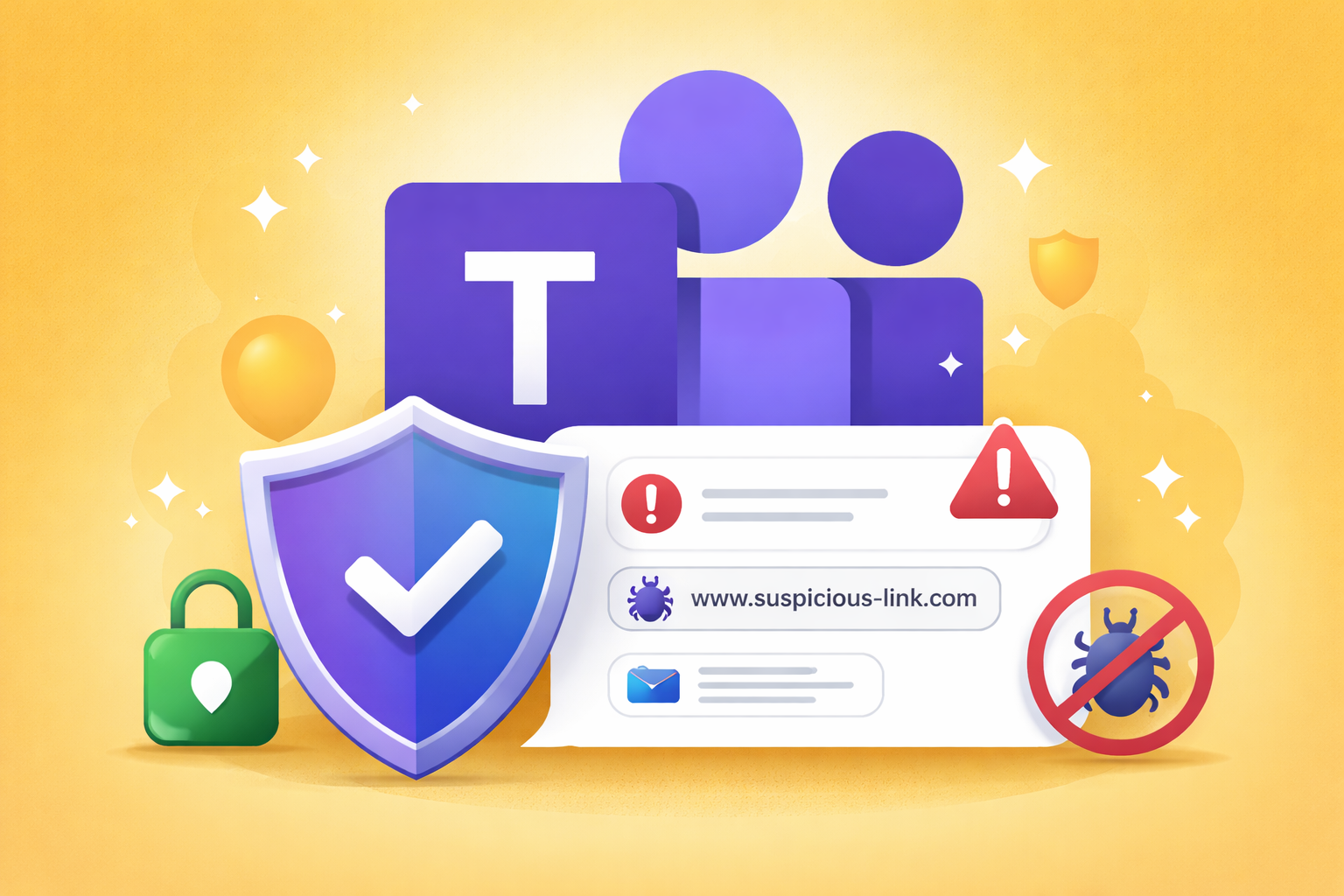
Microsoft Teams has become a primary communication channel for organizations, which also makes it an attractive target for phishing, malware distribution, and social engineering attacks. This is why enabling Messaging Safety in Microsoft 365 is not just recommended, it’s essential.
Select the “Messaging” menu and then “Messaging Settings“.
Go to the “Messaging Safety” section, then enable :
Weaponizable file protection
Malicious URL protection
Report incorrect security detections
Click Save
Why Messaging Safety Is Critical
Protection Against Malicious Files : With Weaponizable File Protection enabled, Teams automatically scans files shared in chats and channels. Files containing risky or blocked file types are prevented from being delivered, significantly reducing the risk of malware spreading internally or through external conversations.
Defense Against Malicious Links : Malicious URL Protection helps protect users from phishing and credential-harvesting attacks. When unsafe URLs are detected in messages, users are warned before interacting with them. This is especially important in external chats where attackers often impersonate trusted partners or vendors.
Faster Detection Improvements Through User Feedback : By enabling Report Incorrect Security Detections, users can report false positives or missed threats. This feedback loop helps Microsoft improve detection accuracy over time while empowering users to participate actively in security.
Reduced Attack Surface in Everyday Communication : Email security is no longer enough. Attackers increasingly leverage chat platforms because users tend to trust messages received via Teams. Messaging Safety adds an essential layer of protection where users communicate the most.
Conclusion
Activating Messaging Safety in Microsoft 365 strengthens your organization’s security posture by protecting users directly inside Teams, where collaboration happens every day. It’s a simple configuration change that delivers a high security impact with minimal user disruption.
🔐 Secure collaboration starts with secure messaging.
Thanks
Aymen EL JAZIRI (Microsoft MVP)
Hi, I’m Aymen El Jaziri , a passionate System Administrator and Microsoft MVP, with years of hands-on experience in managing and securing modern IT infrastructures.
This blog is where I share technical guides, automation scripts, product reviews, and real-world solutions that help IT professionals simplify their day-to-day work and stay ahead in a fast-evolving cloud ecosystem.
Whether you’re here to troubleshoot an issue, improve your automation game, or learn new best practices , welcome in my blog !
Let’s build a stronger, smarter IT community together.
Feel free to connect with me on LinkedIn for more content, discussions, or collaboration opportunities.