Physical Address
304 North Cardinal St.
Dorchester Center, MA 02124
Physical Address
304 North Cardinal St.
Dorchester Center, MA 02124

Explore practical guides and tools for Microsoft 365, Azure, and PowerShell. Enhance your cloud security and admin skills with expert insights and automation tips.
Explore practical guides and tools for Microsoft 365, Azure, and PowerShell. Enhance your cloud security and admin skills with expert insights and automation tips.
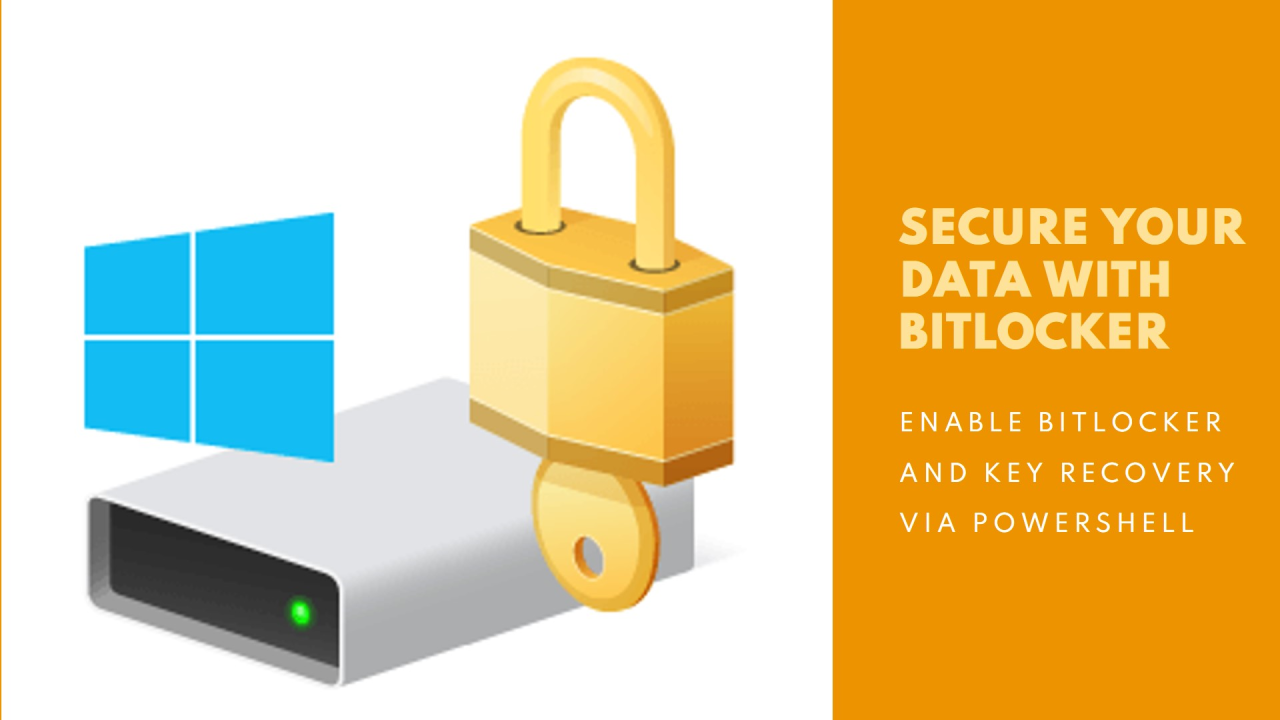

If you don’t have a way of immediately saving the BitLocker key in a safe place, there’s no need to run the script, as you’ll later be forced to format the disk and lose all your data.
Check if BitLocker module is installed :
Get-WindowsFeature -Name BitLockerThe X mean that BitLocker Feature is already installed :

otherwise, Install BitLocker Module if is not installed (reboot is required after installation) :
Install-WindowsFeature -Name BitLocker -IncludeAllSubFeature -IncludeManagementToolsHere is PowerShell script :
#Enable bitlocker withTPM and prints the new recovery key to the console.

reagentc /enable

$EnableBitlocker = Enable-Bitlocker -MountPoint $($ENV:SystemDrive) -UsedSpaceOnly -RecoveryPasswordProtector 
After executing the script machine will reboot.


Here we can see Bitlocker Enabled after the reboot :

if you want to recover the Bitlocker Key, you need just to execute this script.
Script must be executed as administrator or system Level.
# Recover BitLocker Key
$Resume = get-bitlockervolume | Resume-Bitlocker

((get-bitlockervolume).KeyProtector | Where-Object -property keyprotectortype -eq RecoveryPassword |   select-object -last 1).recoverypassword
Thanks