Physical Address
304 North Cardinal St.
Dorchester Center, MA 02124
Physical Address
304 North Cardinal St.
Dorchester Center, MA 02124

Explore practical guides and tools for Microsoft 365, Azure, and PowerShell. Enhance your cloud security and admin skills with expert insights and automation tips.
Explore practical guides and tools for Microsoft 365, Azure, and PowerShell. Enhance your cloud security and admin skills with expert insights and automation tips.
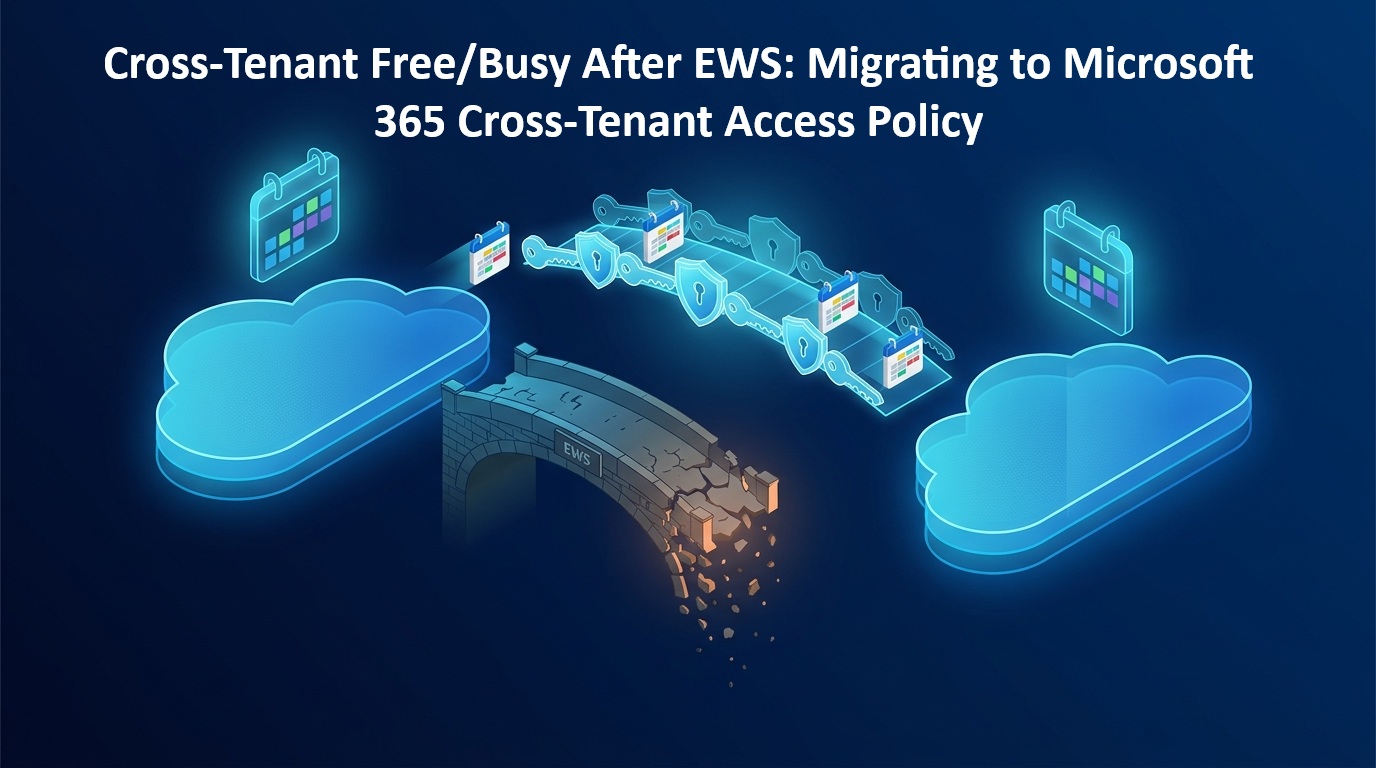
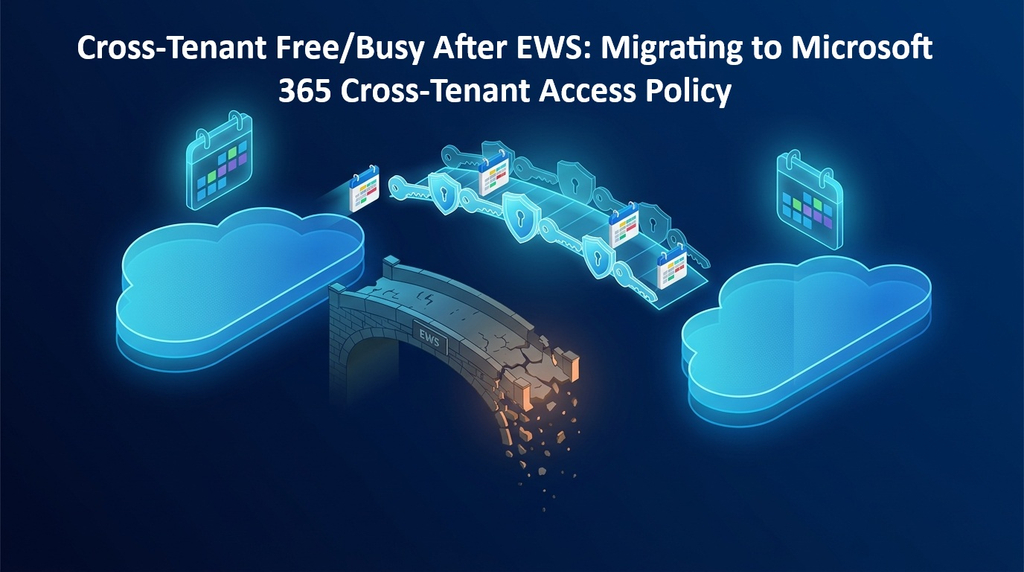
Sharing calendar availability between two Microsoft 365 organizations used to rely on Exchange Organization Relationships. Those relationships depend on Exchange Web Services (EWS), which Microsoft is retiring from Exchange Online. The replacement is the Microsoft 365 Cross-Tenant Access Policy (M365 XTAP), built on Entra ID and managed through Microsoft Graph.
| Date | Event |
|---|---|
| September 15, 2026 | Free/Busy and MailTips via M365 XTAP rolled out (Worldwide) |
| October 1, 2026 | EWS disablement begins, tenant by tenant |
| October 15, 2026 | Calendar Sharing via M365 XTAP rolled out |
| April 1, 2027 | EWS permanently shut down |
Once EWS is disabled in your tenant, partners relying on Organization Relationships or Sharing Policies may lose visibility on your Free/Busy, MailTips, and shared calendars.
Out of scope: internal sharing, and Exchange Hybrid (which must move to the Dedicated Exchange Hybrid App). Setting EWSEnabled to True buys time until April 1, 2027, nothing more.
M365 XTAP has two layers:
m365CollaborationInbound enabled.Three rules to remember:
| Legacy FreeBusyAccessLevel | M365 XTAP capability |
|---|---|
AvailabilityOnly | crossTenantCalendarAvailabilityBasic (time only) |
LimitedDetails | crossTenantCalendarAvailabilityLimitedDetails (time, subject, location) |
Microsoft.Graph.Identity.SignIns)Policy.Read.All , Policy.ReadWrite.CrossTenantAccess , Policy.ReadWrite.CrossTenantCapabilitypowershell :
Connect-ExchangeOnline
Get-OrganizationRelationship | Where-Object { $_.Enabled } |
  Format-List Name, DomainNames, FreeBusyAccessEnabled, FreeBusyAccessLevel, FreeBusyAccessScope, TargetSharingEpr
If FreeBusyAccessEnabled is True and the target points to outlook.com or office365.com, you are in scope. Note the access level and scope : they define your new capability and group.
Script source : aymenjaz/PowerShell on GitHub.
Run it in Tenant A with Tenant B’s ID, then the reverse.
Coordinate with the partner admin, then in both tenants:
Set-OrganizationRelationship -Identity "<Name>" -Enabled $falseTest from Outlook’s Scheduling Assistant with a partner user. If it works, remove the legacy object with Remove-OrganizationRelationship. If not, re-enable it with -Enabled $true. Before removal, make sure the relationship is not also used for cross-tenant mailbox migration.
crossTenantCalendarAvailabilityBasic unless subject and location are required.The EWS retirement turns cross-tenant Free/Busy into an identity policy managed in Entra ID: tenant-ID based, group-scoped, and automatable with Graph. With a quick inventory, a coordinated cutover, and the script above, migrating a partner takes minutes.
Thanks